
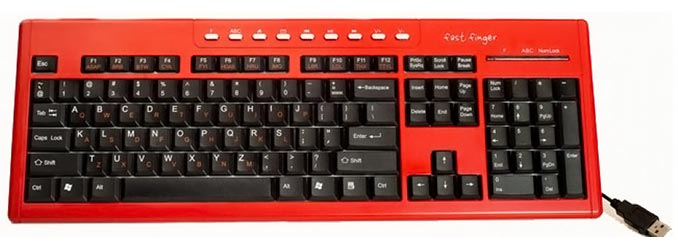
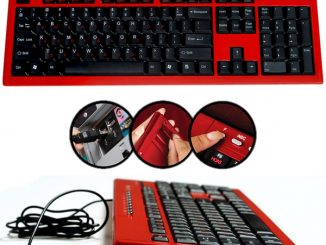
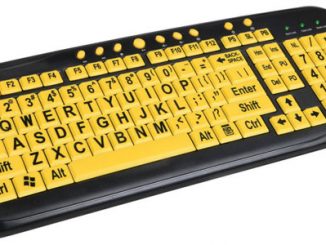
 The “Fast Fingers” USB keyboard gives you three options for how to use the keys.
Hit the ‘ABC’ button and you will be able to write with the keys in an alphabetical order. Disable the ABC’ button and you can start typing as with a standard QWERTY keyboard. And finally, the ‘F’ key enables IM abbreviations like “LOL” via the function keys.
The Fast Fingers Keyboard is yours for $27.95 through the official website.
Yer, pretty lame idea. Just learn to touch type…
22 year using qwerty keyboards and now change the system…no way!
I like the idea of the ‘F’ keys! Can use it for emoticons on MSN i guess.
It’s convenient to have those short cut keys.
Don’t really like the idea of the ABC keyboard though. I guess i’ll only be able to type fast at home if i try to get use to the ABC format.
I’d prefer to stick with my QWERTY. 🙂
An innovative idea but definitely only for beginners in computers. Can’t really be useful for veteran typists or gamers. But still, useful in some applications such as industrial applications.